Practical solutions for communication, technology and independence
Practical solutions for communication, technology and independence
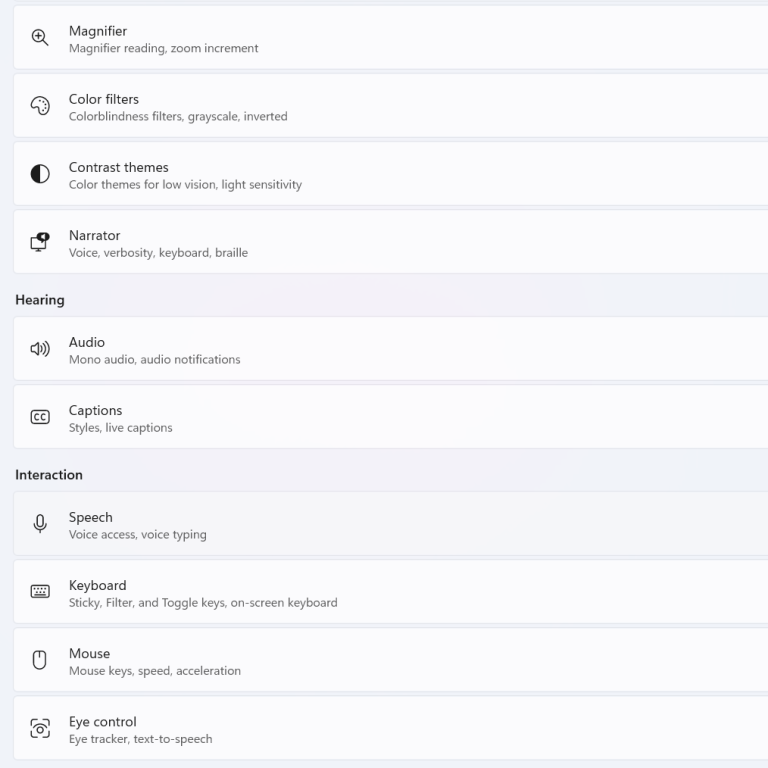
Many computers, tablets and smartphones include powerful accessibility features at no extra cost. Before investing in specialist equipment, explore options such as speech-to-text, text-to-speech, magnification, voice control and on-screen keyboards. Sometimes the simplest solution is already available on the device.
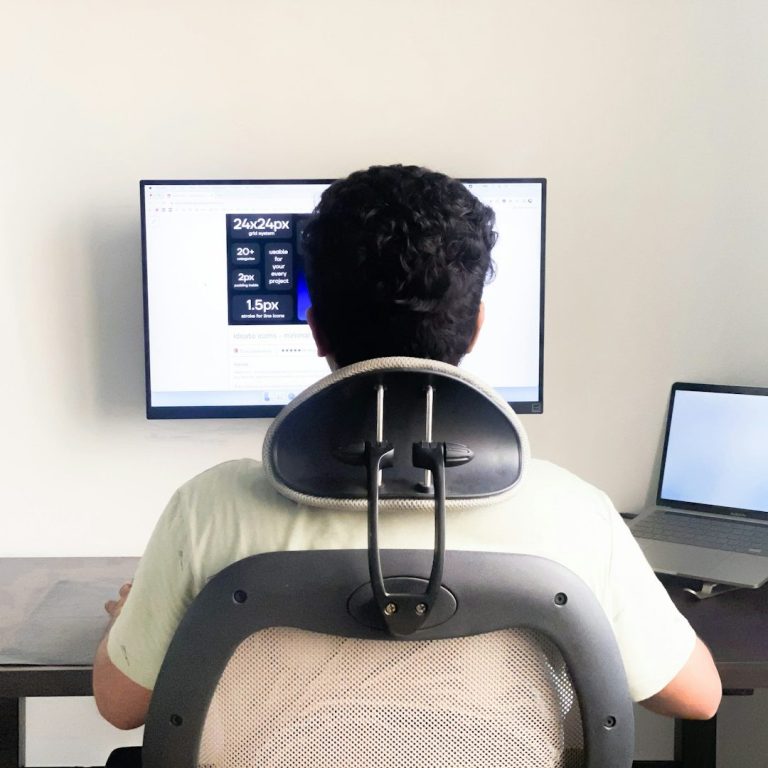
Comfortable and effective access often starts with good positioning. Screen height, viewing distance, seating and arm support can all influence how easily someone can use technology. Small adjustments can often improve both comfort and performance.
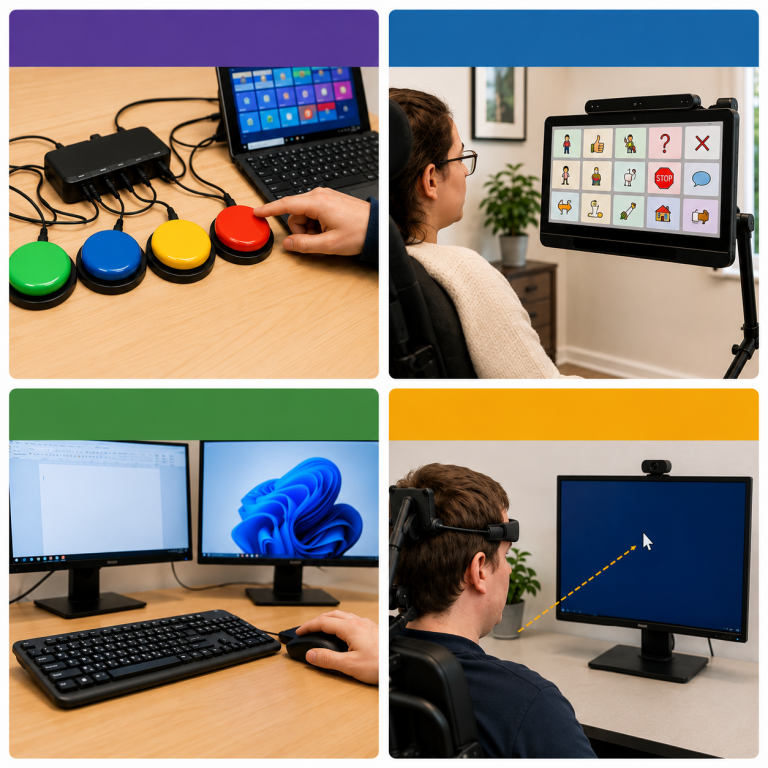
There is no single solution that works for everyone. Some people benefit from a standard mouse and keyboard, while others may find a trackball, joystick, touchscreen, switch access system or eye gaze technology more effective. The best access method is always the one that matches the individual's needs and abilities.

When selecting an access solution, think about what the person wants to achieve. Whether the goal is communication, education, employment, gaming or social interaction, technology should be chosen to support meaningful participation in everyday life.

Many people are unaware that mouse settings can be customised. Changing pointer speed, cursor size, double-click speed and visual appearance can make computers easier to access and control.
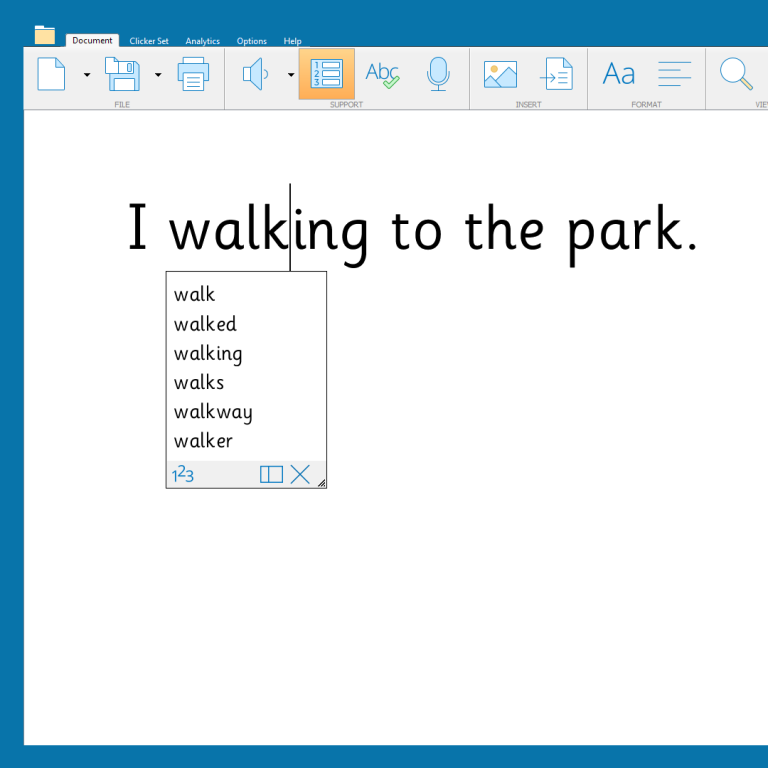
Typing can be challenging for some users. Word prediction software and speech recognition tools can reduce effort, improve speed and support more effective communication through technology.
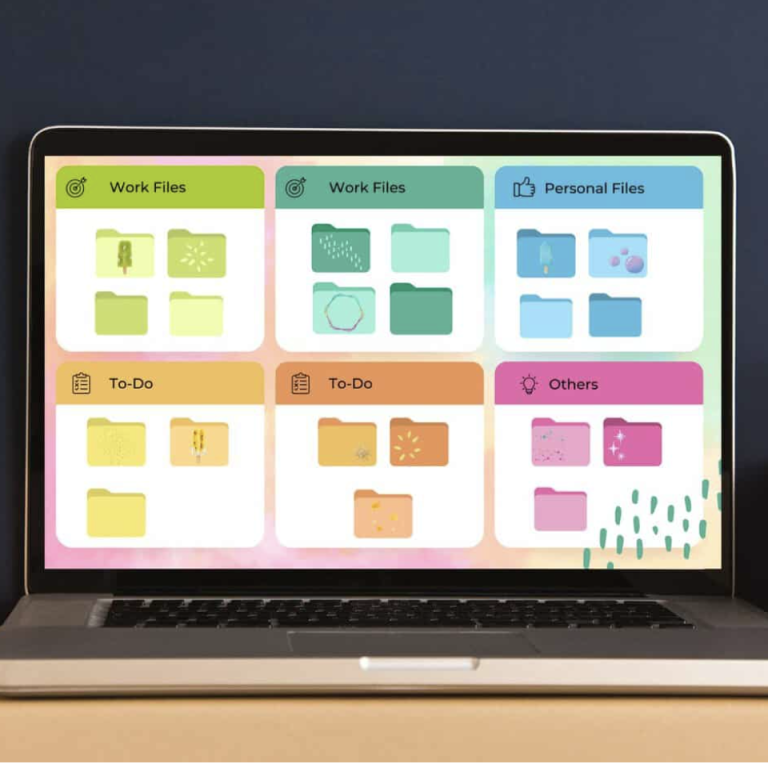
A cluttered desktop or busy screen can make navigation difficult. Organising files, reducing unnecessary icons and creating a clear layout can help users find what they need more easily and improve confidence when using technology.

Technology and individual needs change over time. Regular reviews can help identify new opportunities, improve efficiency and ensure that access solutions continue to meet the user's goals.

The purpose of computer access is not simply to operate a device. Effective access solutions help people learn, work, communicate, socialise, create and participate more fully in everyday life.

If accessing technology is becoming difficult, seeking advice early can often prevent frustration and identify practical solutions. Small changes can sometimes make a significant difference to comfort, confidence and independence.
We need your consent to load the translations
We use a third-party service to translate the website content that may collect data about your activity. Please review the details in the privacy policy and accept the service to view the translations.